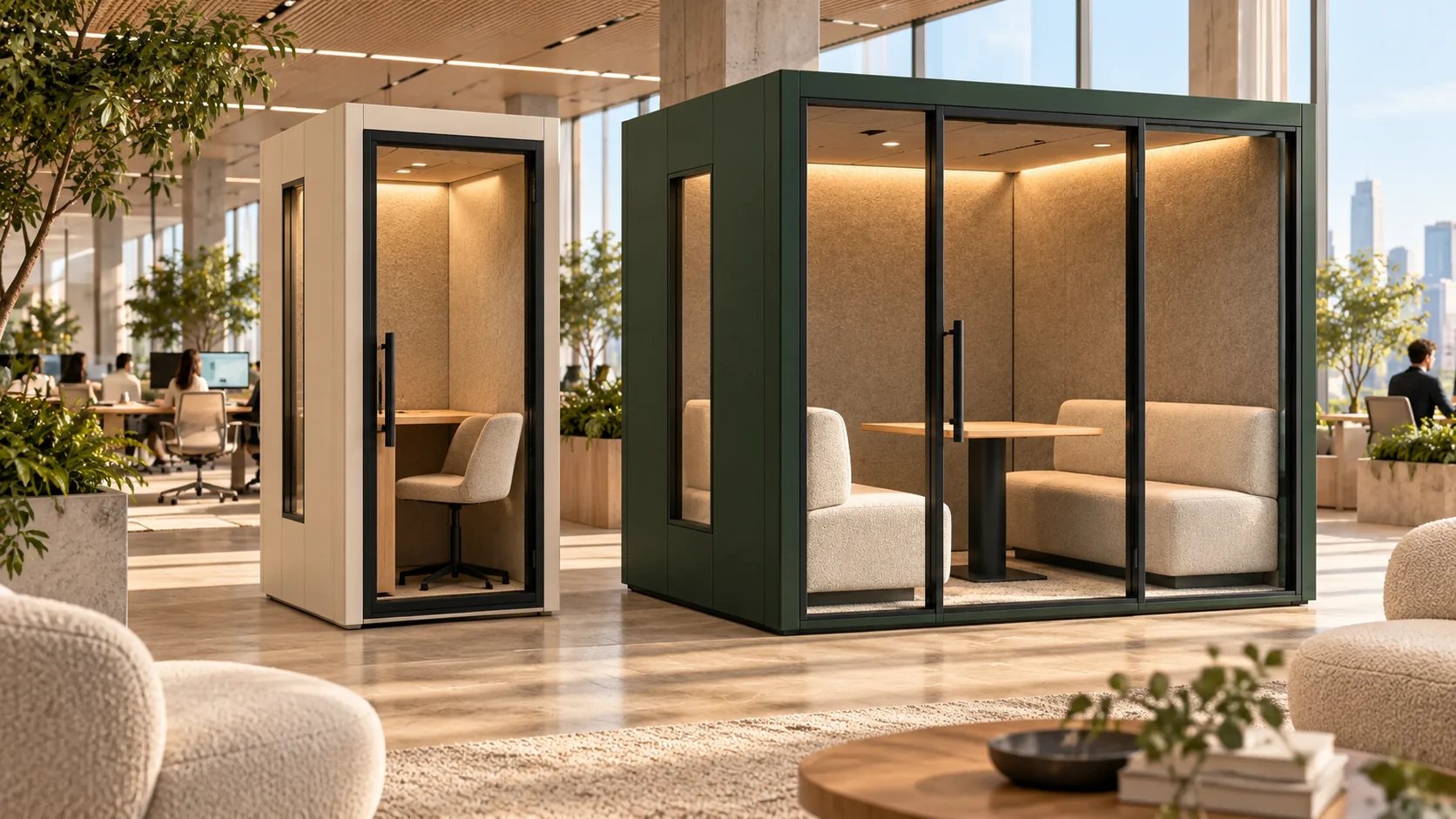
Key points
- Evaluate the task and session length rather than judging comfort from a render.
- Exterior dimensions do not establish usable working space.
- Ask for operating information and test the proposed configuration where possible.
Describe the session, not only the furniture
A person taking a short call may need a different setup from someone working on a laptop for an extended period. Record the activities, typical duration, equipment and expected variety of users. Identify whether the pod will be shared throughout the day and how its furniture can be adjusted between users. Treat these as requirements for the final configuration. An attractive chair and a compact desk can look convincing in a render without showing how the working session will actually feel.
Look beyond the external envelope
The outside width, depth and height are useful for early space planning, but the user experiences the interior. Wall assemblies, glazing frames, furniture and equipment all occupy space. Ask for usable internal dimensions, seating and work-surface information, and the clear movement area. CCOHS guidance for traditional office workspaces treats space needs as dependent on activities, equipment, body dimensions, movement, privacy and maintenance access. It is useful background for asking questions, not a certification or a pod-specific minimum-size standard.
Review the equipment as a working arrangement
List laptops, monitors, headsets, cameras and any other items expected inside. Consider where each item sits, how cables are routed and how people connect or disconnect between sessions. Ask whether shelves and mounting points are part of the evaluated configuration and whether their intended loads are documented. A review with the actual equipment can reveal issues that a simple socket count does not: a camera blocked by a screen, limited usable desk depth, or a cable crossing a route used by occupants.
Request ventilation and temperature information
Ask how air moves through the selected pod, which operating conditions the published information assumes and what maintenance the ventilation components require. Describe the expected occupancy, session duration and equipment. The facilities team should review how the product interacts with the surrounding room and building systems. Avoid treating the presence of a fan as a complete statement of comfort or air quality. Confirm the intended operation and any limitations in the manufacturer’s documentation before relying on the product for a particular use.
Evaluate lighting and sound together with the task
For video meetings, review the relationship between the person, screen, camera and light sources. For reading or focused work, examine the actual task surface and potential reflections. Listen to the product in its normal operating state, including ventilation, while completing the intended activity. Keep a demonstration record that identifies the model, configuration and conditions. The aim is not to turn an informal visit into a laboratory test; it is to capture user observations that the project team can resolve before making a decision.
Close the loop after installation
Prepare a short user guide that reflects the manufacturer’s operating instructions and the organization’s booking or housekeeping arrangements. Nominate a contact for comfort concerns and faults, and make it clear how those reports will be reviewed. If the initial use differs from the planned activity, reassess the configuration rather than assuming the original brief still applies. A practical feedback process can help the facilities team distinguish an operating issue, a maintenance need and a requirement that was never addressed in the original selection.
Use this in your next project
Discussion checklist
- Record tasks, session duration and the intended range of users.
- Request usable interior dimensions and furniture information.
- Review the setup with the actual equipment where possible.
- Ask for ventilation operation, conditions and maintenance requirements.
- Evaluate lighting, reflections and operating noise during the task.
- Document user observations from any demonstration.
- Assign a contact and process for operating feedback.
Technical references
These sources provide background for the cited points. They do not certify the ModulPods concept collection or establish approval for a particular installation.
About this collection
ModulPods is a concept collection. Final products, specifications and suitability are confirmed for each project. The planning articles are conversation starters, not technical approvals.